How to turn photos into a video for WhatsApp Status
Choose the photos, put the best one first, and make an upright video (9 by 16) that moves from photo to photo with music. Then share it from your phone to WhatsApp and choose My status.
Yaadgaar makes this video by itself every time it makes yaadein, a photo book from your album: open the yaadein, tap Share and pick WhatsApp.
What a Status video needs
- It stands upright: 9 by 16, the shape of a phone’s screen.
- It is short. Status is made for short videos, so pick fewer photos rather than more.
- The best photo comes first, because it is the one everybody sees.
The video Yaadgaar makes
Every yaadein gets a video a minute or two after the book is ready, and a notification says so: “Your yaadein video is ready”.
It is 1080 × 1920 pixels, upright. The cover comes first, then the title page, then each page in turn with a sideways swipe between them, and an end card. Music plays under it.
Its length follows the number of pages: about 2.4 seconds a page, plus 5 seconds. A book of 12 pages makes a video of about 33 seconds. For Status, make a smaller book: fewer photos, a shorter video.
The yaadein’s title, with the circle’s name and dates, is on every frame, and “Made with Yaadgaar” sits under the page.
Step by step in Yaadgaar
Make yaadein
Pick a festival, a trip or a month under “Days worth keeping”, leave out any photo you do not want, and tap Make yaadein.
Wait for the video
The book comes first. The video follows a minute or two later, and a notification says it is ready.
Watch it
Tap the play button on the cover, or Watch in the yaadein’s menu. It opens in the phone’s own video player.
Share it to Status
Tap Share, choose WhatsApp, then My status. The same Share sends it to a chat, to Instagram or anywhere else.
Making one by hand
A video editor app lets you place each photo, set how long it stays on screen, add music and save an upright video. You choose everything, and you place every photo yourself.
What Yaadgaar does not do
- The music is the same for every video. It cannot be changed or turned off.
- “Made with Yaadgaar” on every frame and the end card cannot be removed.
- There is no button that posts straight to Status: Share opens the phone’s share sheet, and you choose WhatsApp there.
- No video is made when the circle’s space is nearly full. The app then offers the link instead.
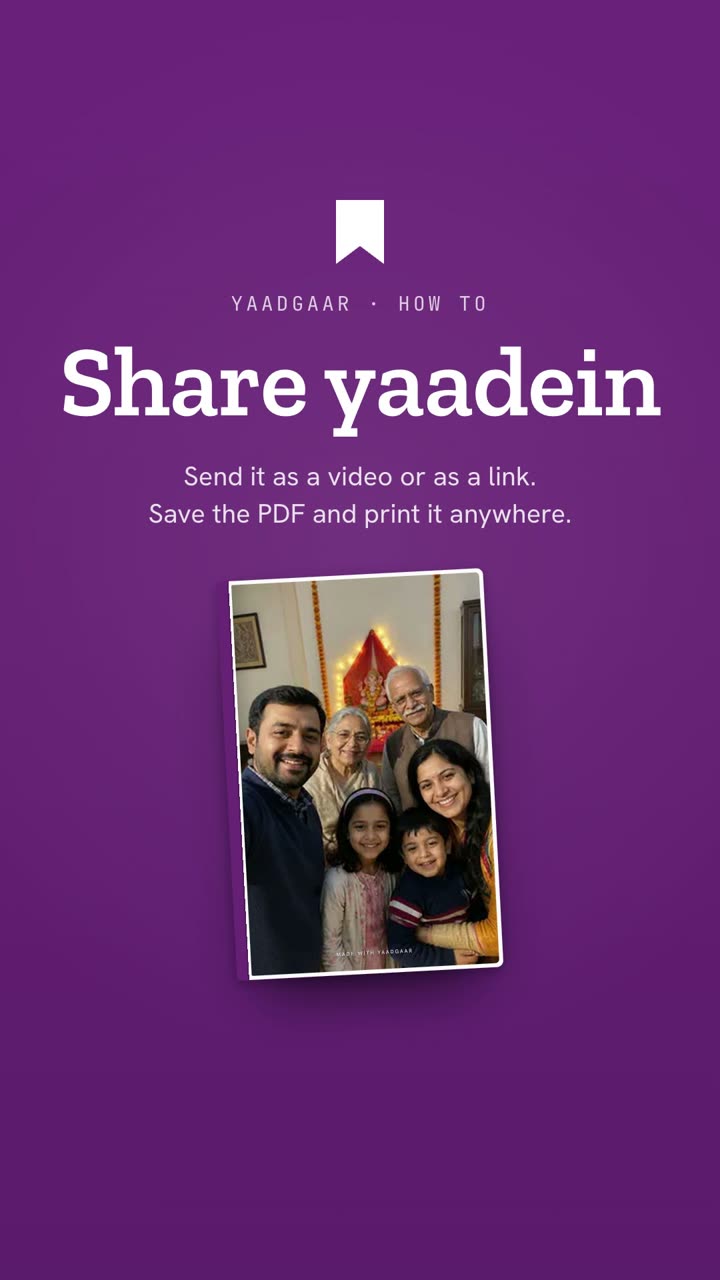 Watch it in the appHow to share a photo book as a video, a link or a PDF1:12
Written by Nikhil Garg, Yaadgaar · Updated 15 October 2026