How to make a photo book on your phone and print it at a photo shop
A photo shop prints a photo book from one file: a PDF with every page already laid out, in a size the shop prints, such as 4R (4 × 6 inches) or A4. Make that PDF on your phone, send it to the shop on WhatsApp or carry it on a pen drive, and choose the paper and the binding at the shop.
Yaadgaar makes the PDF for you from the photos in your album: pick the photos, choose 4R or A4, and save the file.
What the photo shop needs from you
- One PDF with every page in order. A shop can print loose photos from a folder, but a book needs its pages laid out first.
- The page size: 4R (4 × 6 inches, about 10 × 15 cm, the size of a regular photo print) or A4 (21 × 29.7 cm, the size of a sheet of printer paper).
- Your choice of paper, glossy or matte, and of binding, such as stapled, spiral or hard bound. Ask what the shop offers, and what it costs, before it prints.
- How many copies you want.
The quick way, with Yaadgaar
Put the photos in one album
Start a circle and add your photos. The others in the circle add theirs, from their phones and straight from WhatsApp. Each photo is filed under the month it was taken.
Choose the photos
Tap Make yaadein on a card under “Days worth keeping”, such as a festival just gone, a trip or last month. Or press and hold months on the Timeline. Tap any photo to leave it out.
Pick the paper
Under Paper choose 4R or A4, pick a cover, and tap Make yaadein. The app lays out the pages: the cover, a title page, then one photo to a page, oldest first, with photos taken sideways paired two to a page.
Save the PDF
Open the yaadein’s menu and tap Save. The first time, choose a folder on your phone; the PDF is saved there.
Send it to the shop
Send the PDF to the photo shop on WhatsApp, or copy it to a pen drive, and tell them the size: 4R or A4.
What the pages look like
The month a photo was taken sits in a ribbon in the corner of its page. The cover and the title page carry the words “Made with Yaadgaar”; the photo pages do not.
Photos are kept at up to 2,400 pixels on the long side. On a 4R page, a photo that fills the width is about 790 pixels across, roughly 200 to the inch. That is fine for a book this size. For a big print on a wall, use the original photo from the phone that took it.
Doing it without Yaadgaar
First collect everyone’s photos in one place: ask for them on WhatsApp, or use a shared album. Then lay out the pages in a design app, one page at a time, and save a PDF in the size the shop prints. It works; it takes longer, because you place every photo yourself.
Some printing services take your photos online and send the finished book to your home. Then there is no shop to visit and no file to carry.
4R or A4?
- 4R is the size of a regular photo print, so the book feels like an album of prints, small enough to pass round.
- A4 is the size of a sheet of printer paper. The photos are bigger, and so is the book.
What Yaadgaar does not do
- Yaadgaar does not print or deliver books. You take the PDF to a shop of your choice.
- The app chooses the layout, the order of the pages and the border. You can leave photos out, but not move them.
- The words “Made with Yaadgaar” on the cover and the title page cannot be removed.
- It keeps a copy of each photo at up to 2,400 pixels, not the original file.
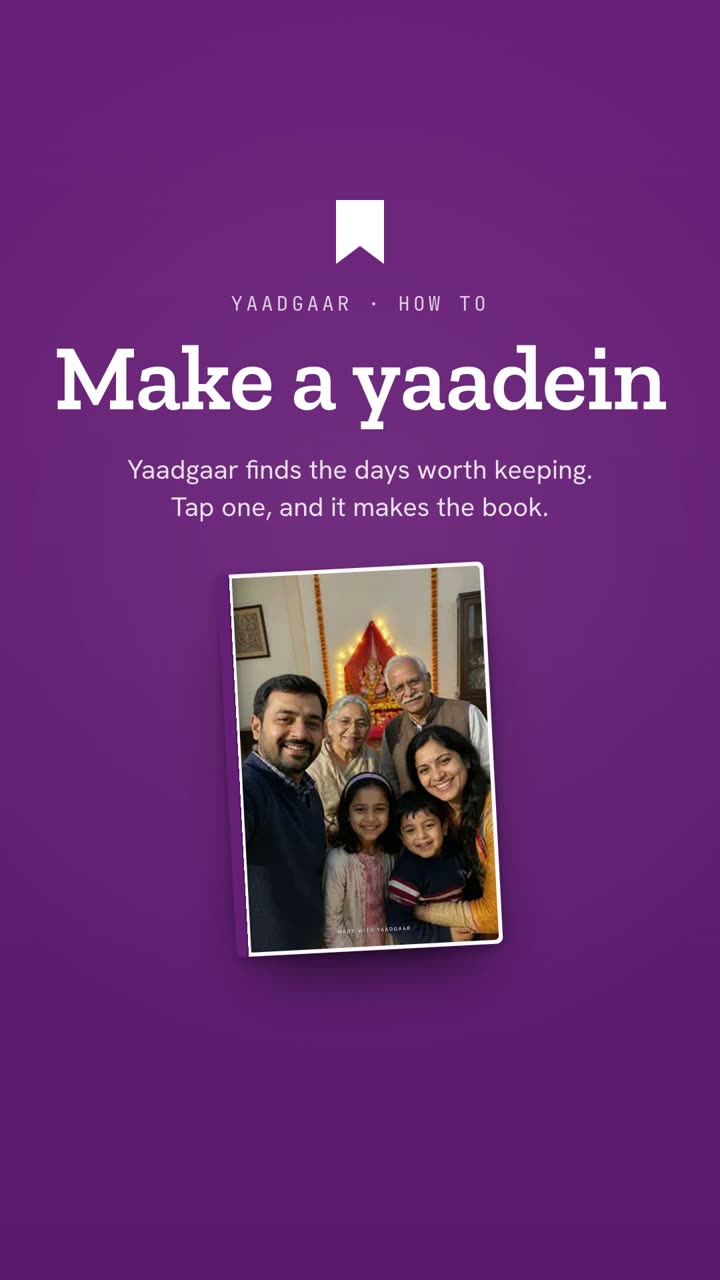 Watch it in the appHow to make a photo book on your phone1:00
Written by Nikhil Garg, Yaadgaar · Updated 15 October 2026